Karaoke software for PC: karaoke at home on Windows
Your computer is already most of a karaoke machine. Here is what kinds of karaoke software exist, what else you need, and how to sing the songs you actually like.
Two kinds of karaoke software
- Players play karaoke files you already have, or stream songs from a catalog. You sing what the catalog offers.
- Makers create karaoke files: a backing track without vocals and lyrics that light up in time. You sing any song you have as a file.
Karafy is a maker. It turns your own song files into karaoke and exports them in formats that common players open — or as an MP4 video that plays anywhere.
| Catalog player | Karaoke maker | |
|---|---|---|
| Songs | What the catalog has | Any song you have as a file |
| Languages | Strongest for big English-language hits | Any language the song is in |
| Effort per song | None — search and sing | A few minutes, plus a quick check of the lyrics |
| Payment | Often a subscription | Karafy: 3 songs free, then a one-time Pro |
| Best for | Singing the hits right away | Songs the catalogs don’t have |
What you need for karaoke at home
- A Windows PC or laptop — and, if you can, a TV or projector connected to it, so everyone sees the lyrics.
- Speakers loud enough for the room.
- A microphone — a wired or wireless karaoke microphone connected to your speakers or a small mixer is the simplest setup.
- Songs — karaoke files from a player's catalog, or your own songs turned into karaoke.
Making karaoke from your own songs
- Open a song file you own (MP3, WAV, FLAC, M4A, OGG, MP4 or MKV) in Karafy and click Generate.
- Karafy removes the vocals, recognises the lyrics and times every word — on your own computer.
- Check the lyrics in the built-in editor and fix anything that is off.
- Export: MP4 to play in any video player or on a TV, KFN for KaraFun-compatible players, MP3+G for karaoke hardware, or LRC for synced-lyrics apps.
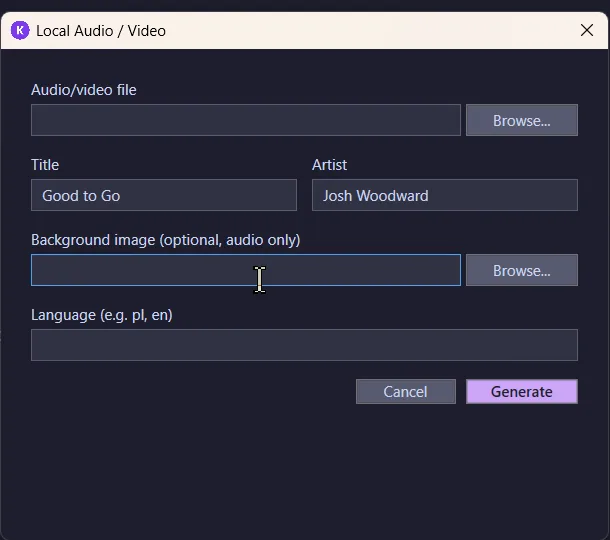
A real example
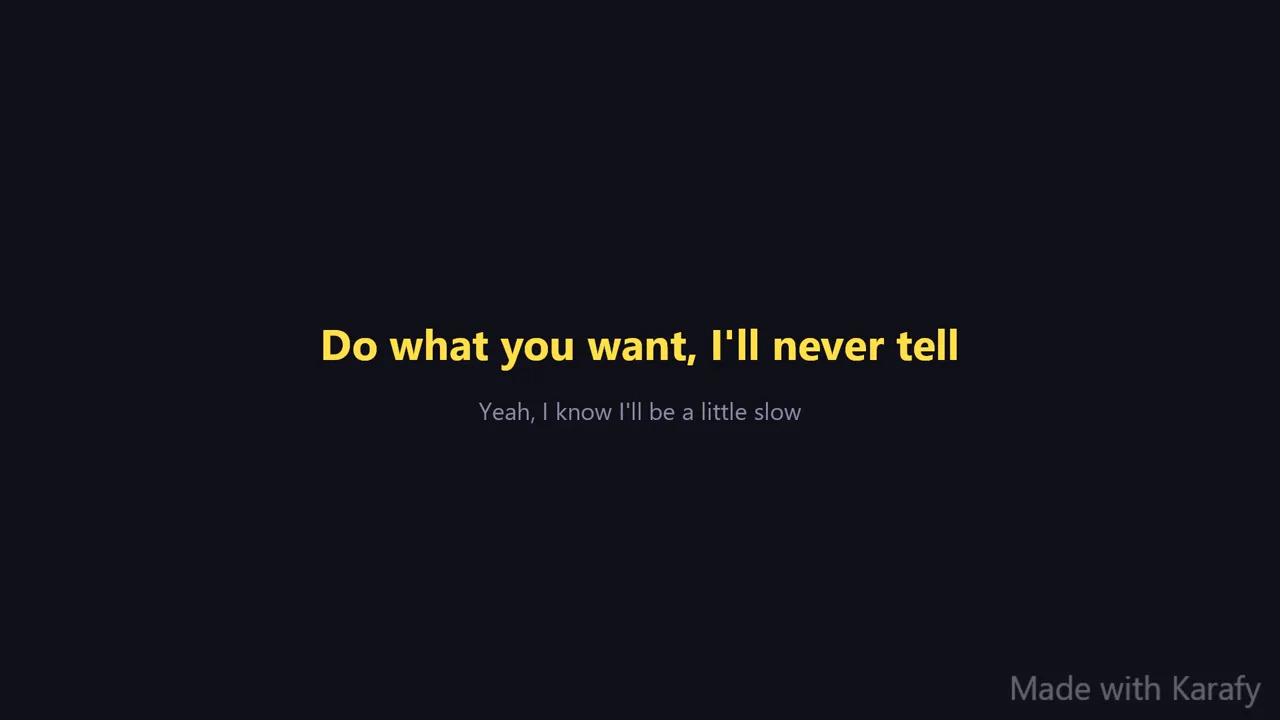
We made karaoke from “Good to Go” by Josh Woodward (3:09), a song we licensed for our demo, processing locally on a laptop with an AMD Ryzen 5 PRO 215 processor.
- Processing took 2 min 43 s, less than the song itself.
- Karafy matched the lyrics against the published version from LRCLIB.
- In the editor we found one thing to fix: the word “go” had ended up on a line of its own at the end of a phrase.

System requirements
- Windows 10 or 11
- A processor with AVX (most Intel CPUs from 2011 and AMD from 2012 onwards)
- 4 GB of RAM
- 500 MB of free disk space
No graphics card needed and no account. Once a song is made, it plays offline.
Common questions
Is it free?
The first 3 songs are free. Pro is a one-time payment for unlimited songs on your own PC — no subscription.
Does it work on Mac?
Not yet — Karafy is for Windows 10 and 11.
Are the lyrics always perfect?
Not always — it depends on the song. A clear vocal often needs no changes; a dense mix or fast rap needs a few fixes in the editor.
Turn your PC into a karaoke machine
Windows 10/11 · 3 songs free · no account
Download KarafyAlso see: how to make karaoke from a song